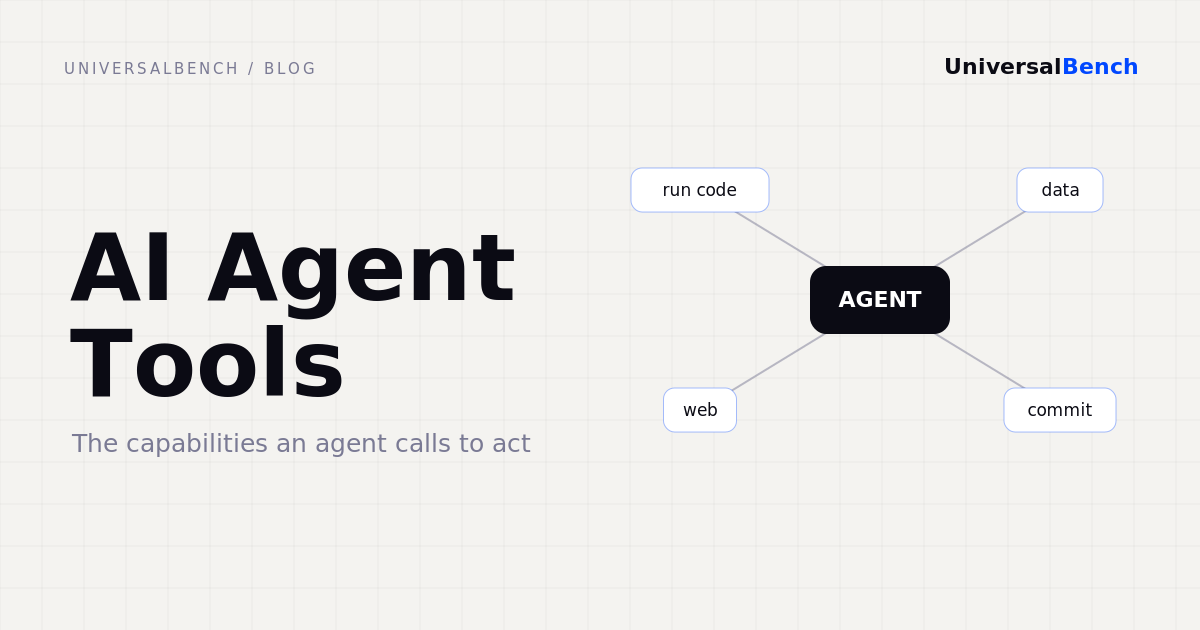
Search "ai agent tools" and you get endless lists of frameworks. That is the wrong question. The tools that decide whether an agent is useful are not frameworks, they are the capabilities the agent can actually call to do work: run code, read and write data, reach the web, and commit changes. A model with a clever framework and no real tools still cannot do anything. A model with the right tools can.
This piece is about that toolset. What counts as a real agent tool, the handful that matter, how they reach the model, and the safety question most tool setups quietly skip.
What counts as an AI agent tool
A tool is anything that lets the agent take an action and get a result back. Not a prompt trick, not a longer context window, an actual capability that touches the world. A simple test: after the agent uses it, did something happen outside the chat, or did the model just produce more text. If nothing happened, it was not a tool. By that test, most of what gets called tooling is just scaffolding around a model that still cannot act.
The tools that actually matter
Across real agent work, the capabilities that earn their place come down to four.
Code execution. The highest-leverage tool by a wide margin. A model that can run Python stops guessing and starts computing. It counts instead of estimating, and it is right.
Data access. Most useful work touches a database. The agent needs structured, safe read and write access without being handed the keys to everything. We covered the safe pattern in safe AI database access.
Web access. Live search and HTTP, so answers reflect this week rather than the training cutoff.
Commit. Write files, push code, deliver output, so the work leaves the sandbox and lands somewhere real.
How tools reach the agent: one URL, not ten integrations
The old way was to wire each capability into each model by hand. The standard now is the Model Context Protocol, MCP. You expose a set of tools behind a single MCP endpoint, and any MCP-compatible agent, whether Claude, ChatGPT, or Gemini, can call them. One URL, every tool, no per-model glue. That is the difference between a week of integration and a paste-one-link setup. The mechanics are in how to connect a code-running tool to your AI.
The tool nobody puts on the list: safety
Here is what the framework lists leave out. Every real tool is also a liability. A tool that runs code can run dangerous code. A tool that reaches the web can hit your internal network. A tool that calls paid APIs can drain your budget. So safety cannot be a separate product, it has to be part of the tooling, enforced underneath the agent where the model cannot talk its way around it.
If those limits live in the system prompt they are suggestions. If they live under the tools they are guarantees. We went deeper on two of them in why your AI should not log in as you and why agent costs spiral.
Tools beat a bigger model
It is tempting to wait for the next model and hope it can do more. It cannot. No checkpoint upgrade gives a model the ability to run your code or read your database. That comes from tools. And tools pay for themselves: when the agent runs work in a tool and only the result returns to the model, you stop shipping raw data through the context window. One real log task cost 4,024 tokens and the wrong answer in chat, and 141 tokens and the right answer through a code tool, a 96.5 percent reduction on the same job. The leverage is in the tools, not the next checkpoint.
How to choose agent tools
Four questions cut through the noise. Do the tools work with any model, or lock you to one. Is safety enforced in the platform, or just described in the docs. Do they return clean results, or dump raw data back into your context. Can you connect with one URL, or is it weeks of wiring. The tools an agent needs are not a long list, they are a short one done right, and they live inside the execution layer we call AI agent infrastructure.
Common questions
What are AI agent tools? The capabilities an AI agent calls to act: run code, read and write data, reach the web, and commit changes, with safety enforced below the agent.
Is a framework a tool? No. A framework helps you build an agent. A tool lets the agent do something. An agent can have a framework and still be unable to act.
How do tools connect to an agent? Through a single MCP URL that any MCP-compatible AI can call, instead of wiring each capability into each model.
Which tool matters most? Code execution. It turns a model that guesses into one that computes, and it is the foundation the other tools build on.
Give your agent the tools to act.
1,000 free calls per month. One URL. Any MCP-compatible AI agent.
Get your API key