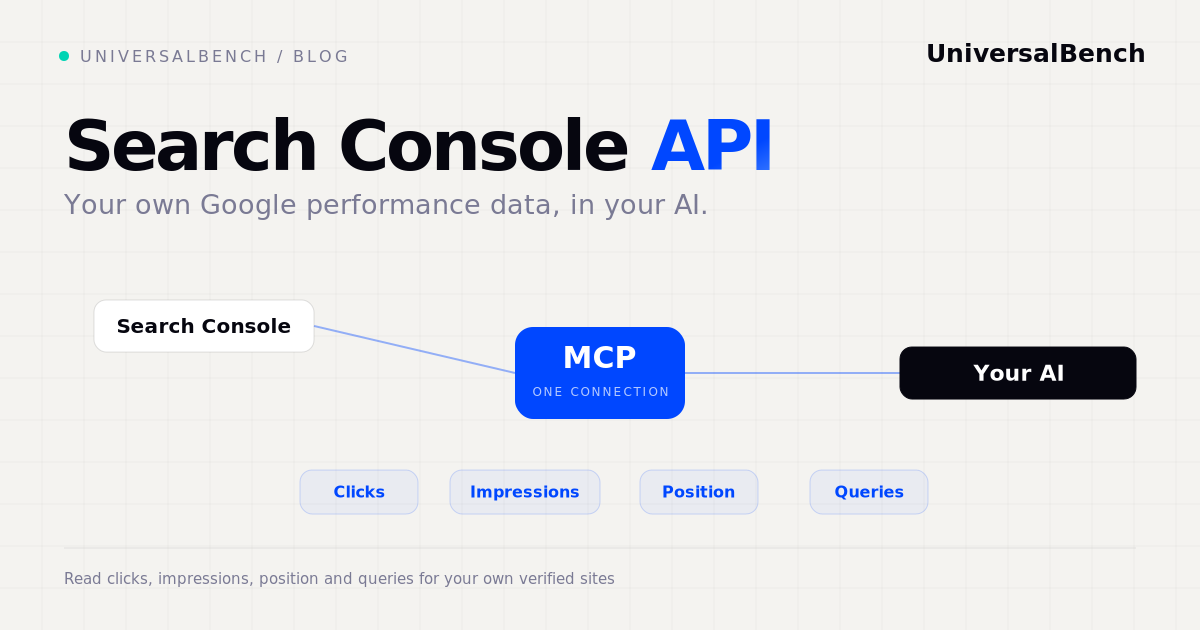
The Google Search Console API gives you free, programmatic access to your own search performance data from Google. For any site you have verified in Search Console, it returns the clicks, impressions, average position, and the actual search queries that brought people to your pages. You can break that data down by query, page, country, and device. Unlike third party SEO tools that estimate from their own index, this is the real data Google recorded for your site. It is free to use, and it is the most accurate source there is for how your own pages perform in search.
What is the Google Search Console API?
Search Console is Google's free tool for site owners. The API is the programmatic version of it: instead of opening the dashboard, your code or your AI calls an endpoint and gets the same data back as structured rows. The catch, and the strength, is that it only covers sites you own and have verified. It is your data, straight from Google, at no cost.
What data the API returns
The main endpoint is Search Analytics. It returns your performance metrics, clicks, impressions, click through rate, and average position, sliced by dimensions you choose: query, page, country, device, and date. There are also endpoints to inspect a single URL's index status, and to list and submit sitemaps. Between them, you can answer questions like which queries are gaining impressions, which pages are slipping in position, and whether a new page has been indexed.
How to use the Search Console API
- Verify your site in Google Search Console if you have not already.
- Enable the Search Console API in a Google Cloud project and set up OAuth credentials.
- Authorize access to the Google account that owns the verified site.
- Query Search Analytics with the dimensions and date range you want, and read the rows back.
The setup is a one time job. After that, the data is yours to pull on demand.
Limits to know about
Three limits matter. First, verified sites only, you cannot pull a competitor's data. Second, the history is roughly 16 months, so pull and store anything you need for longer trends. Third, there are row and quota limits per request, so large pulls need pagination. None of these are blockers, but they shape how you build around the API.
Search Console API vs third party SEO APIs
The Search Console API and tools like SEMrush, Ahrefs, and DataForSEO answer different questions. Search Console tells you the truth about your own pages. Third party APIs estimate the whole market, including competitors and keywords you do not yet rank for. Most serious SEO work uses both: Search Console for ground truth on your site, a third party API for the wider picture. For a full breakdown, see SEO data APIs compared.
Reading your Search Console with UniversalBench
Here is the part that changes your workflow: you do not build any of this yourself. You connect one URL and ask in plain language. Paste your UniversalBench address, universalbench-mcp.penantiaglobal.workers.dev/u/your-key, into Claude, ChatGPT, Gemini, or any MCP-compatible AI. That single connection is the whole setup.
Then you ask, for example:
"Summarise which of my pages lost position this month, and which queries are gaining impressions."
Behind that one request, UniversalBench:
- reads your Search Console data over the one connection, after a single sign-in, with no OAuth code, pagination, or quota handling for you to write
- compares this period against last in real code, so the wins and drops are measured, not estimated
- returns a short written summary your AI can act on, draft a refresh, flag a page to prune, suggest a new article
What would be a scripting project becomes one sentence. Because the rows are processed on the server and only the summary reaches the model, it stays fast and cheap even over months of data. In a log analysis test, doing the work on the server instead of in the chat cut input tokens by 96.5 percent. And the guarantees hold the entire way: your AI never ships broken code, never exceeds the cost ceiling you set, and cannot reach a private network. We watch our own pages, including the ones you are reading, the same way.
Questions about the Search Console API
Is the Google Search Console API free? Yes. It is free to use for any site you have verified, within Google's standard quota limits.
How far back does the data go? Roughly 16 months. To keep longer history, pull the data regularly and store it yourself.
Can I get a competitor's Search Console data? No. The API only returns data for sites you own and have verified. For competitor estimates you need a third party SEO API.
Do I need to code to use it? Directly, yes. But through an AI connection you can read your Search Console data in plain language without writing any code.
Read your Search Console data with AI
Connect your Google account once and let your AI pull your clicks, impressions, position, and queries, with safety enforced below the agent.
Get your API key