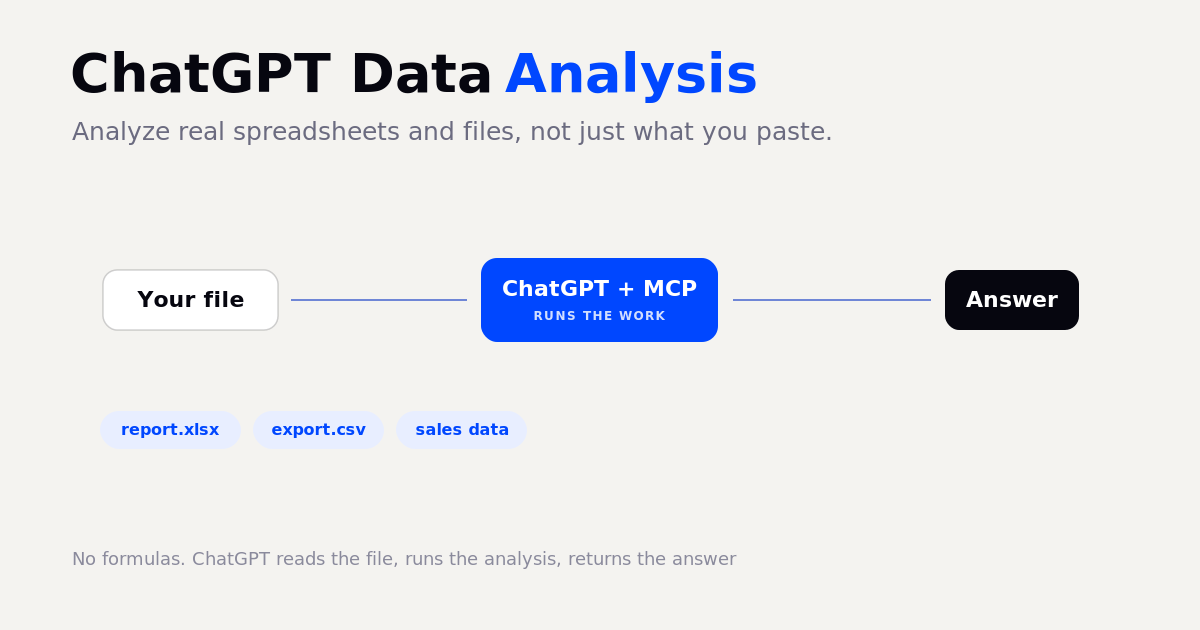
ChatGPT data analysis means using ChatGPT to read your data and produce the analysis: totals, trends, anomalies, charts, and summaries, from a plain-language request instead of a formula or a script. ChatGPT is good at this when it actually runs code on your data. The trap is that a plain chat reply, with the data pasted into the prompt, is the model reading numbers as text and guessing, which is often wrong on anything quantitative. The reliable way to do ChatGPT data analysis is to connect ChatGPT to your real data and let it run the analysis as code, returning only the answer. This is more accurate, far cheaper, and works on full files, not just a snippet you paste. This is the same approach we cover in AI data analysis, here applied specifically to ChatGPT.
What is ChatGPT data analysis?
It is asking ChatGPT a question about your data in plain English and getting back a correct, computed answer. The data can be a spreadsheet, a CSV export, a database, or live data pulled from the web. The crucial distinction is between ChatGPT guessing the answer from reading your data as text, and ChatGPT computing it with real code. Only the second is trustworthy for numbers.
Why pasting data into ChatGPT only goes so far
Pasting rows into the chat makes ChatGPT estimate the answer by pattern matching. On a real dataset that is expensive in tokens and quietly error-prone: a miscount here, a missed outlier there, with nothing flagging that it happened. Run the same job as actual code and you get the exact answer for a fraction of the tokens. Here is the same task done both ways:
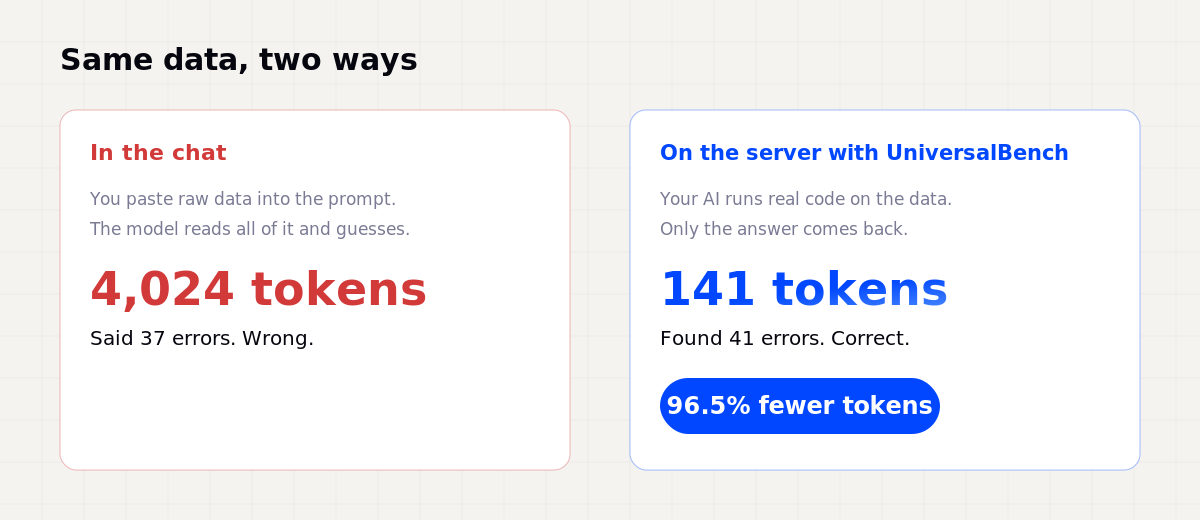
That is a real test. Pasting the logs into the chat cost 4,024 input tokens and gave the wrong count; running the analysis as code returned the correct count for 141 tokens, a 96.5 percent reduction. The full breakdown is in how we reduced AI token costs.
How to analyze data with ChatGPT, the reliable way
The dependable pattern has three parts: ChatGPT, a connection to a place that can run code, and your data. You ask in plain language, the analysis runs as real code next to your data, and only the finished answer returns to ChatGPT. The raw dataset never has to squeeze through the chat. Through the Model Context Protocol this is a single connection, with no glue code on your side.
Connect ChatGPT to your data
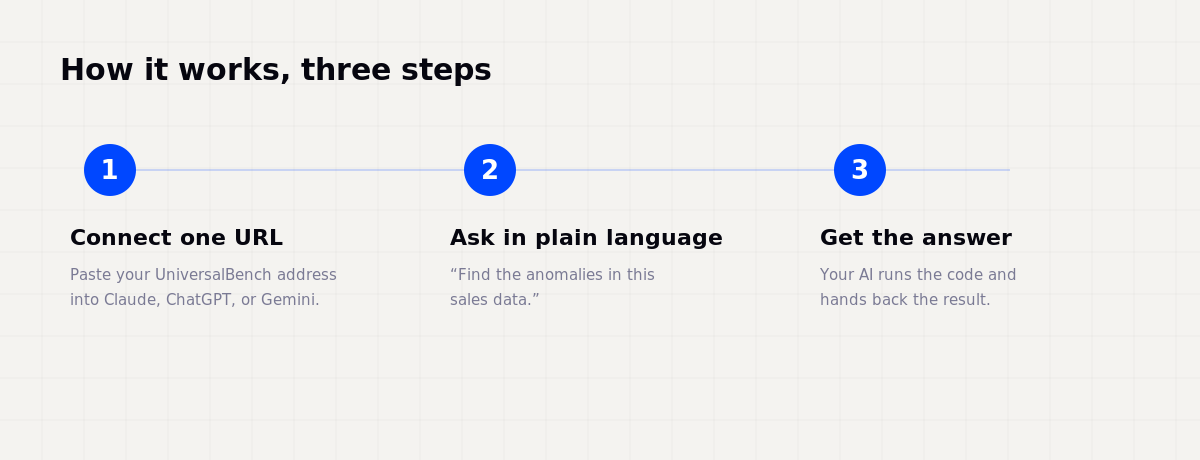
You do not need ChatGPT Plus features or any code. The flow is:
- Connect one URL. Add your UniversalBench address,
universalbench-mcp.penantiaglobal.workers.dev/u/your-key, to ChatGPT as a connector, or to any MCP-compatible client. - Point it at your data. A file you upload, a database it can read, or data it pulls from the web.
- Ask in plain language. For example, "summarise this sales export and flag anything unusual".
- Get the computed answer. ChatGPT runs the analysis as real code and returns the result, not a guess.
Because it is a standard connection, the same setup works in ChatGPT, Claude, Gemini, and any MCP-compatible AI.
What you can ask ChatGPT to analyze
Once ChatGPT can actually run the numbers, the useful requests are wide ranging:
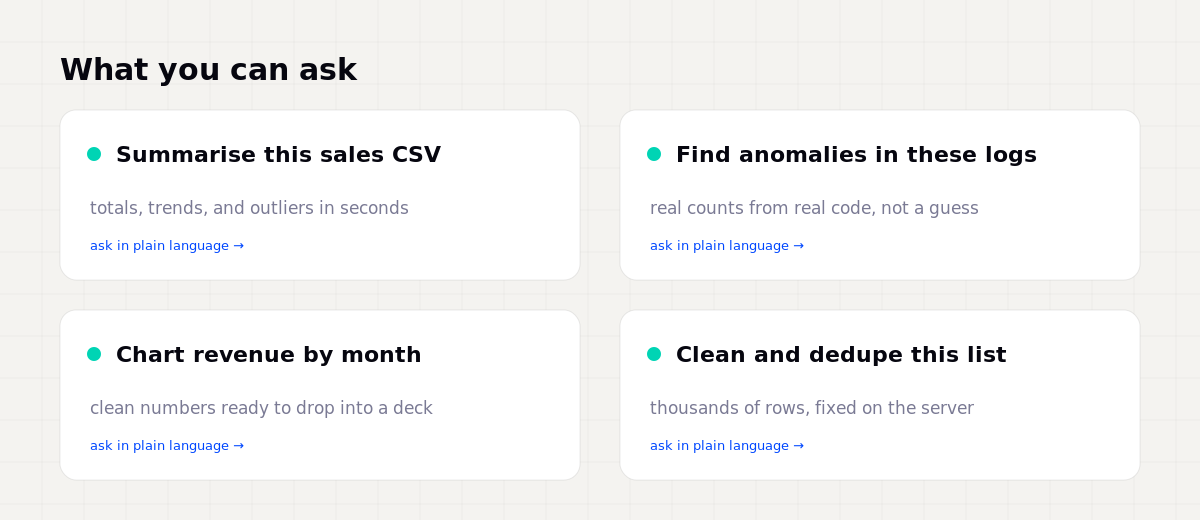
Each is a one-sentence request that would otherwise be a formula, a script, or an afternoon in a spreadsheet. To pull external data for ChatGPT to analyse, see SEO data APIs compared.
Keeping it accurate and safe
Letting ChatGPT run code on your data only makes sense if safety sits below the model, where it cannot be argued around:
So even when ChatGPT is wrong, the analysis stays inside guardrails. That is what makes it safe to point at real data, repeatedly.
Questions about ChatGPT data analysis
Can ChatGPT analyze Excel and CSV files? Yes. With a connection that can run code, ChatGPT loads the file, runs the analysis as real code, and returns the answer, no formulas needed.
Is ChatGPT accurate for data analysis? Only when it computes the answer with code. A reply that just reads your data and guesses is not reliable for numbers. Running real code is what makes it accurate.
Do I need to know how to code? No. You ask in plain language and ChatGPT writes and runs the code for you.
What about my data privacy? With safety enforced below the model, credentials stay in an encrypted vault the model never sees, and the work is sandboxed. See safe AI database access.
Let ChatGPT analyze your real data
Connect one URL and ChatGPT can read your files, run the real analysis, and hand back the answer, with safety enforced below the agent.
Get your API key