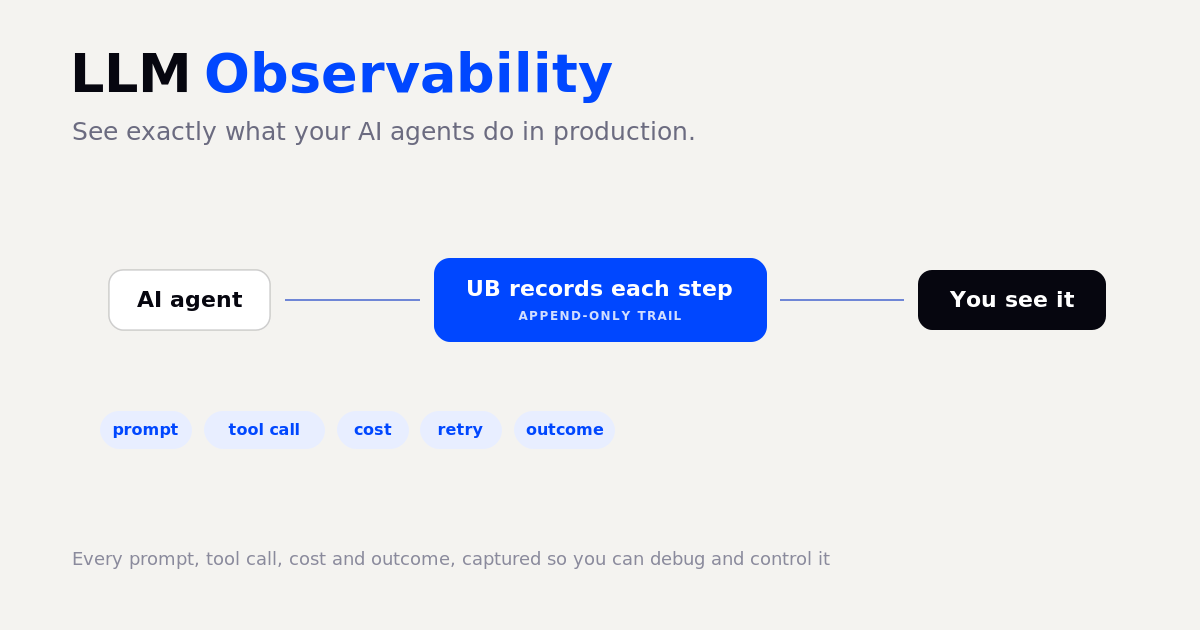
LLM observability is the practice of capturing what your AI does in production, every prompt, every tool call, the cost of each step, and the outcome, so you can see, debug, and control it. A model in a chat is easy to watch. An AI agent running on its own, calling tools and spending money, is not: when it fails or overspends, it often does so silently. Observability is how you turn that black box into a record you can read. It is the difference between knowing exactly what your agent did and guessing. This guide explains what LLM observability is, what a single agent run should capture, and how to get it without building a logging stack yourself.
What is LLM observability?
It is seeing inside your AI's behaviour at runtime. For a single model call that means the prompt, the response, the tokens, and the cost. For an AI agent that runs multiple steps, it means the full trace: which tools it called, in what order, what each one cost, and whether each step succeeded, errored, or retried. Without that trace, a failure in production is a mystery. With it, you can find the exact step that went wrong.
Why LLM observability matters
Two things make agents hard to run blind. First, they fail quietly: an agent can report success while having done the wrong thing, which is its own failure mode (see why AI agents lie about success). Second, cost is invisible until the bill arrives, and agent costs spiral fast when a loop runs longer than expected (see why AI agent costs spiral). Observability addresses both: you see the real outcome of each step, and you see the cost as it accrues, not after.
What a single agent run should capture
Useful observability records each step of a run, in order, with enough detail to debug it later:
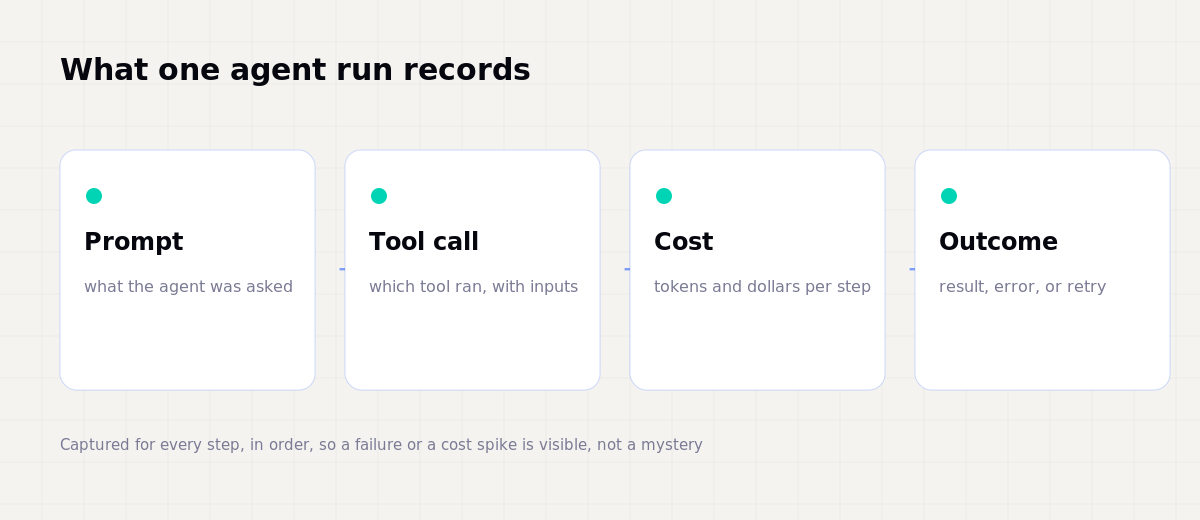
Captured this way, a problem is no longer a guess. You can point at the step that failed, the call that cost too much, or the retry loop that never ended. This is also the basis of an agent audit trail, the permanent record of what your AI did, which matters for both debugging and governance.
Blind versus observed
The gap between running an agent blind and running it observed is stark:
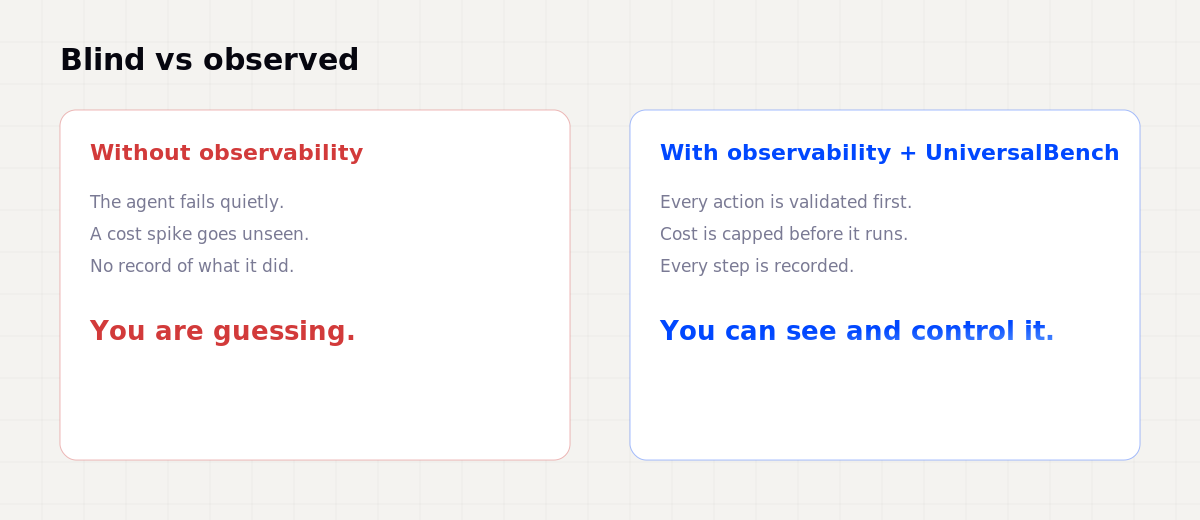
The point is not just to watch, it is to be able to act on what you see, and ideally to have guarantees enforced before a step runs, not discovered after.
How to get LLM observability without building it
You do not need to assemble a logging and tracing stack to get this. With UniversalBench, observability and control come from the connection itself. You connect one URL, universalbench-mcp.penantiaglobal.workers.dev/u/your-key, to your AI through the Model Context Protocol, and from then on every action your agent takes runs through a layer that:
- Validates each action before it runs, so a broken step is caught, not committed.
- Estimates and caps cost before each model call, so a runaway loop cannot quietly drain your wallet.
- Records every action to an append-only trail, so you have the full trace of what the agent did.
That gives you the observability (the recorded trace) and the control (validation and cost caps) in one connection, with no logging code on your side. See how an MCP server works for the mechanism.
Observability and safety are the same layer
The most useful observability is paired with enforcement below the agent, where the model cannot argue around it:
So you are not only watching what the agent did, you are bounding what it is allowed to do. That is what makes an agent safe to run in production, again and again.
Questions about LLM observability
What is the difference between LLM observability and monitoring? Monitoring tells you something is wrong (an error rate, a latency spike). Observability lets you ask why, by giving you the per-step trace to investigate.
What should I log for an AI agent? At minimum: the prompt, each tool call and its inputs, the cost per step, and the outcome (success, error, or retry), in order, as a single trace per run.
How is this related to an audit trail? An audit trail is the permanent, append-only record of what the agent did. Observability is what produces it and what you read it through.
Do I need to build my own tracing stack? No. With a connection that records and bounds every action, you get the trace and the controls without writing logging code.
See and control what your AI does
Connect one URL and every action your agent takes is validated, cost-capped, and recorded, with safety enforced below the agent.
Get your API key